Skip to content
  • There are no suggestions because the search field is empty.

How to get Support

This article explains the different ways you can get help and how to access each support option when you need assistance.

Accessing Support

We offer several support options to help you if you have questions, need assistance, or run into a problem while using our service. You can access these support options from the Support section, where you’ll find different ways to get help depending on what you need.


Step 1: Open the Support page

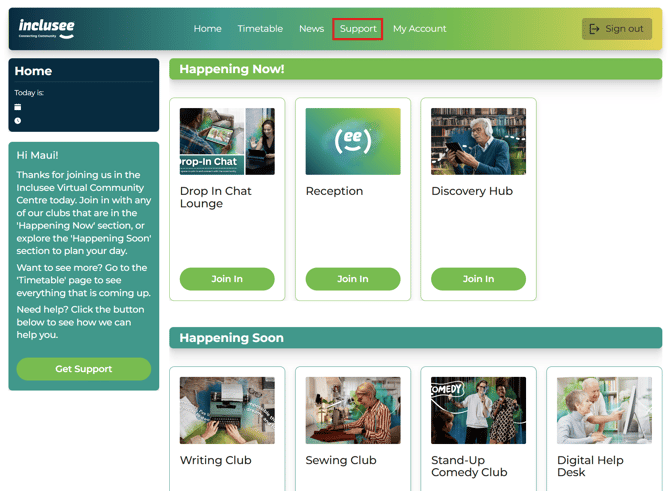
Click Support in the navigation bar along the top of the screen to view all available support options.

Screenshot 2026-04-27 125102


Step 2: The Support page

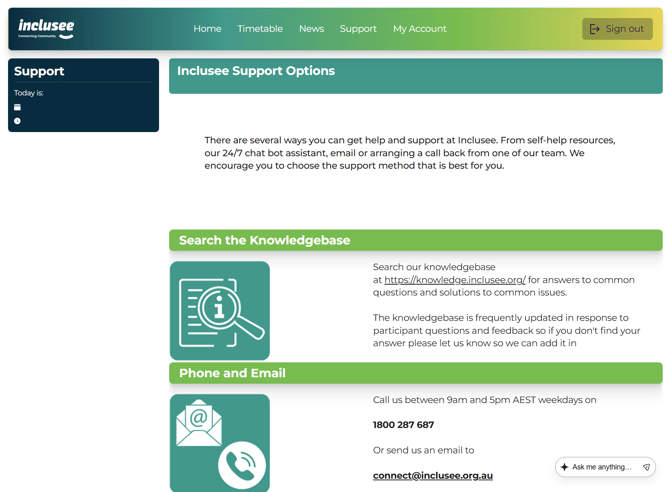
The Support page shows a list of support options that you can scroll through, with each option explained below so you can choose the help that best suits your needs.

Screenshot 2026-04-20 195938


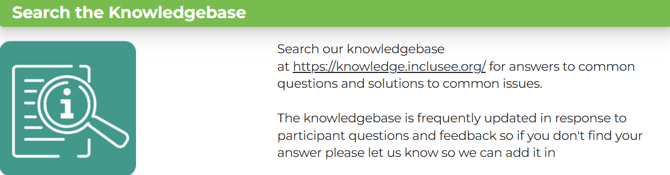
🔍 Search the knowledge base

The knowledge base contains easy‑to‑follow answers to common tech questions, help with using the Virtual Community Centre, and information about how the website works.Screenshot 2026-04-20 195938-1

📞 Phone and email support

You can contact our support team by phone or email if you need help or would prefer to talk to someone directly.Screenshot 2026-04-20 200522

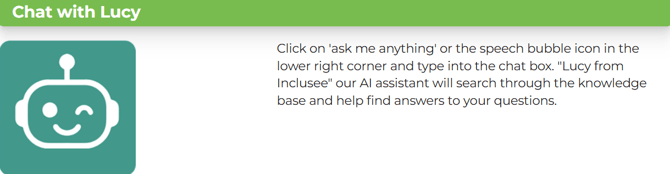
💬 Chat with Lucy (AI Chatbot)

Lucy is our AI chatbot who can help answer questions and guide you to the right information at any time.Screenshot 2026-04-20 200639

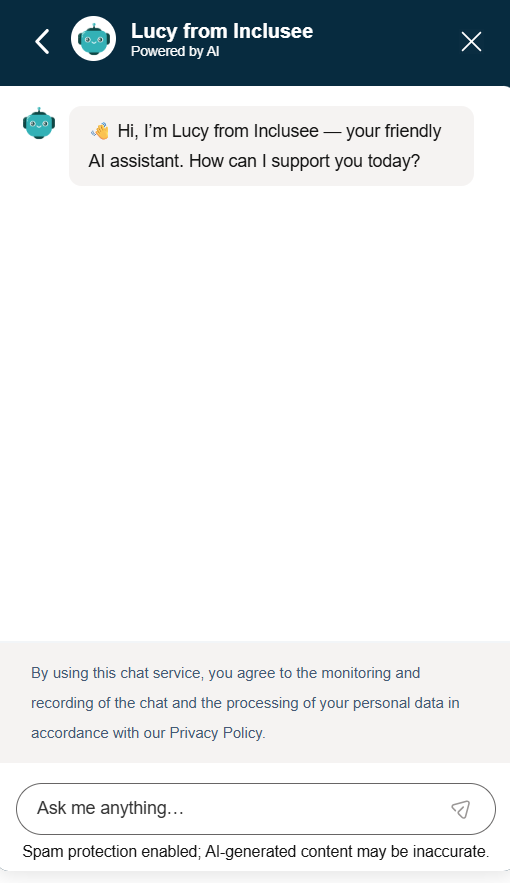
You can find Lucy's chat box in the lower right corner of the Support page. Below is an image of what it looks like.

Screenshot 2026-04-30 220142

Clicking on Lucy's chat box will expand it. Below is an image of the expanded chat box.Screenshot 2026-04-20 201748


✉️ Send a direct message

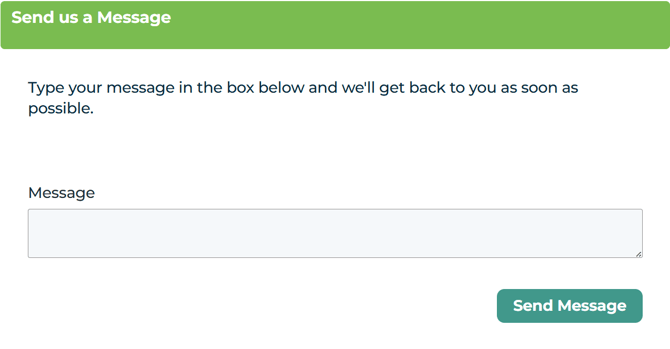
Send a direct message to the support team if you need help or are not sure which support option to choose.
💡 Helpful tip
When sending a message, please include your name and a phone number so our team know who they're calling and the best contact number to reach you on.
Screenshot 2026-04-20 200924


📅 Book a call back

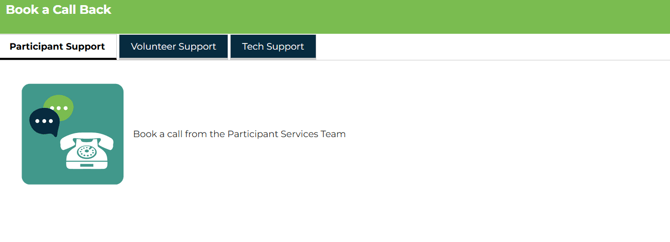
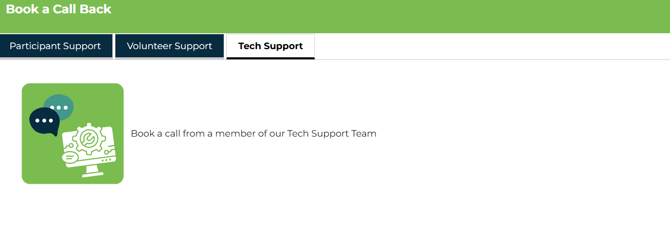
You can book a call back with the team that best matches your needs by choosing one of the options below. Under the Book a Call Back section, in the navigation bar, click on the name of the support type you want and book a time for one of our team to 

Participant support
Get help with using the Virtual Community Centre or joining activities.
Screenshot 2026-04-30 215037

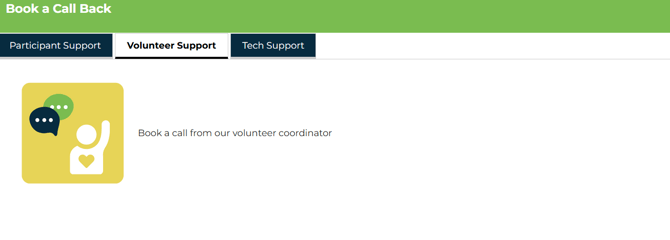
Volunteer support
Get support if you are a volunteer.Screenshot 2026-04-30 214653

Tech support
Get help with technical issues such as your device, internet connection, or software.

Please refer to this article Tech Support: What We Cover and What We Don’t before booking a tech support call back.
Screenshot 2026-04-30 215150


Need more help?

If you’re not sure which support option is best for you, or if you would prefer to speak with a team member, you can call us on 1800 287 687.
 
Our phone lines are open Monday to Friday, 9:00am to 5:00pm.