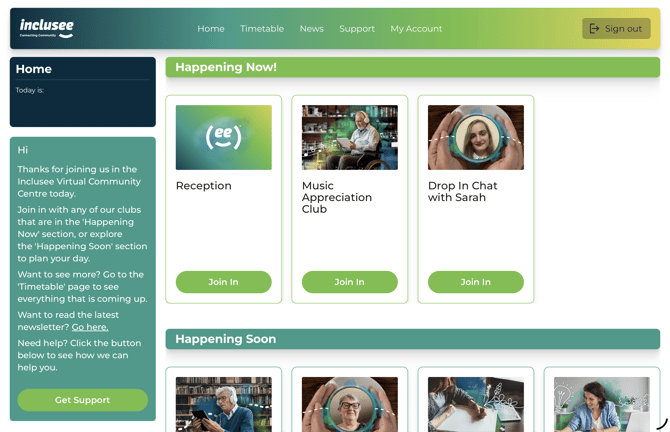
Passwordless Sign In lets you sign in to Inclusee without a password. Instead of typing a password, you receive a secure, one-time login link by email. Simply open the link to sign in automatically — no password required.
How to sign in using Passwordless Sign In
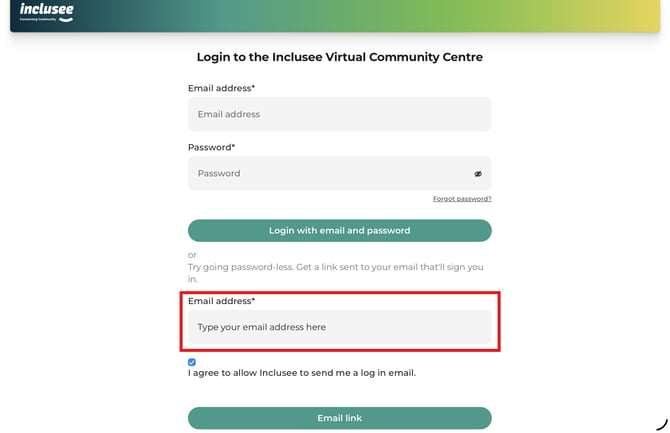
- Enter your email address in the Passwordless Sign In section located below the standard email and password sign-in area.
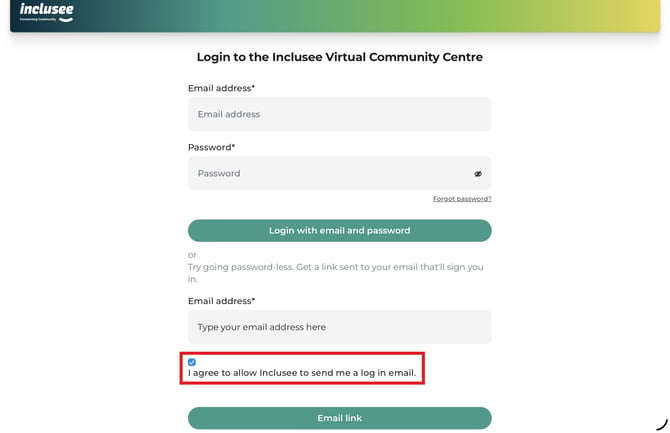
- Select the checkbox that says "I agree to allow Inclusee to send me a login email."
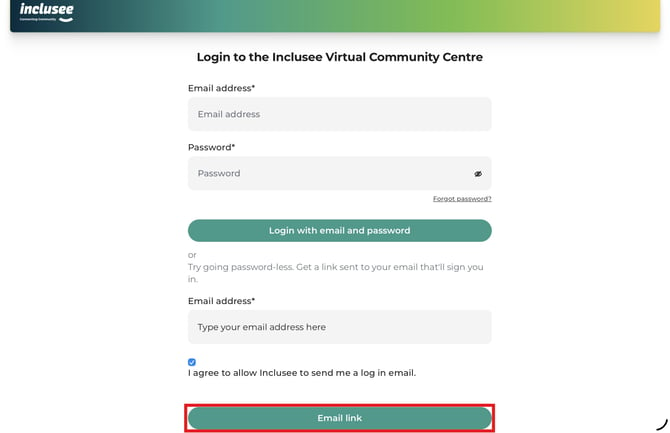
- Tap "Email link" to request your login email. Inclusee will send a sign-in link to the email address you entered.
- Wait for the confirmation message letting you know that the login email has been sent.
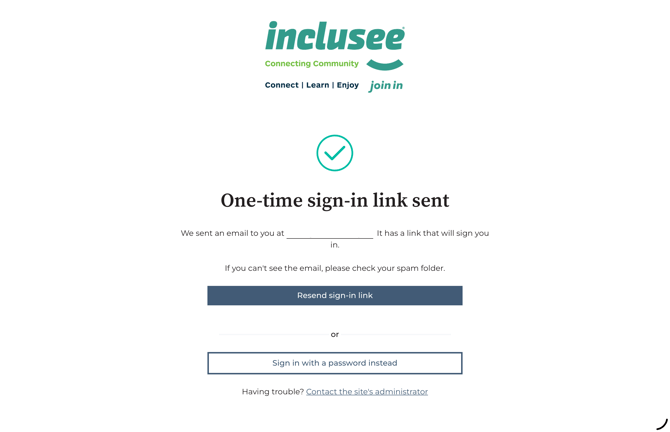
- Check your email inbox for the login link email from Inclusee. The subject line will read "Sign in to Inclusee with a one-time link" — the email will look similar to the example below. If you don't see it within a few minutes, check your spam or junk folder. If it still hasn't arrived after checking your spam folder, you can request a new link by repeating steps 1–3 above.
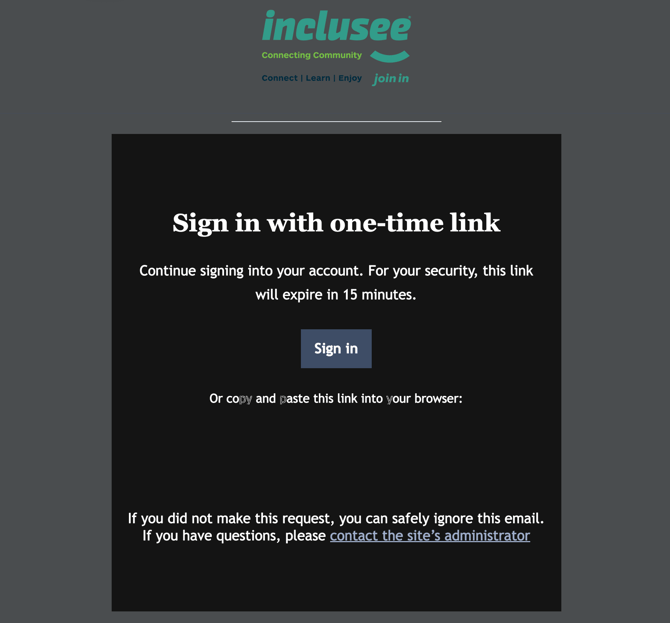
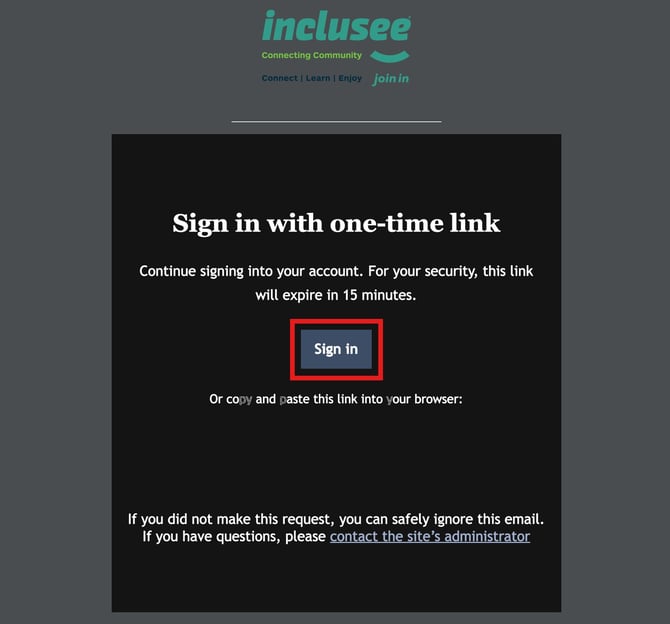
- Tap the Sign in button in the email.
- Your browser opens and displays a confirmation page for your sign-in request.
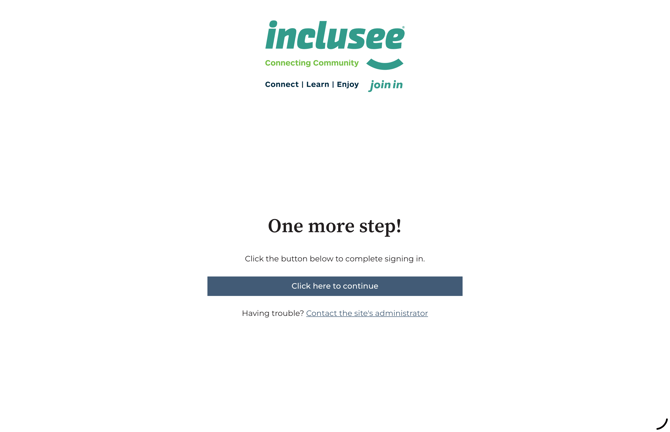
- Tap Click here to continue.
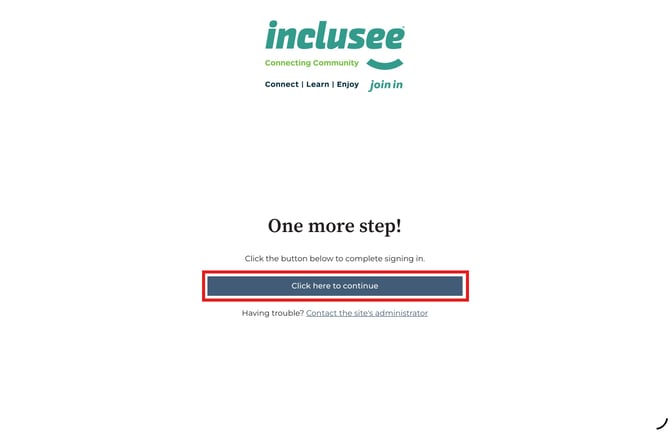
- You are now signed in to Inclusee. You'll be taken automatically to the Inclusee home page.
Note: The sign-in link expires after 15 minutes and can only be used once. If you tap the link a second time, let it expire, or share it with someone else, it will no longer work. To get a new link, repeat steps 1–3 above.