How to Login to Your Account
You can log in to your account to access the timetable, your account settings, and support options. There are two ways to sign in—using your email and password, or your Google account.
Logging in using your email address.
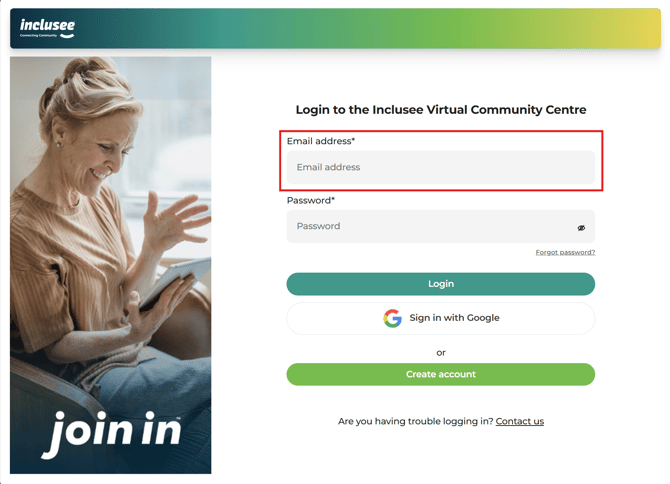
1. ✉️ Enter your email address
Type your email address in the Email address field.
2. 🔒Enter your password
Type your password in the password field. 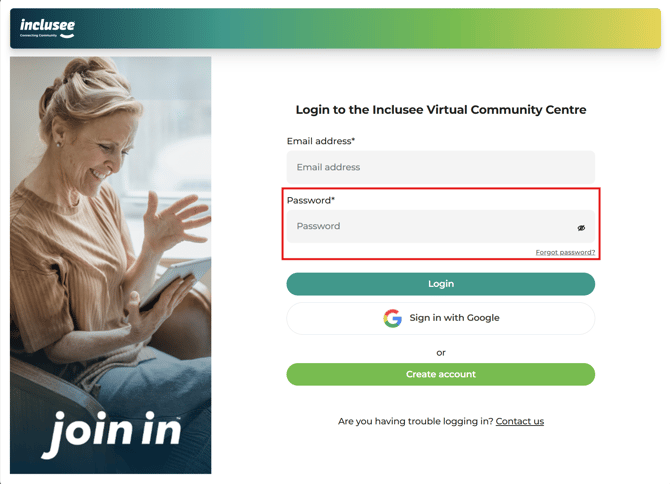
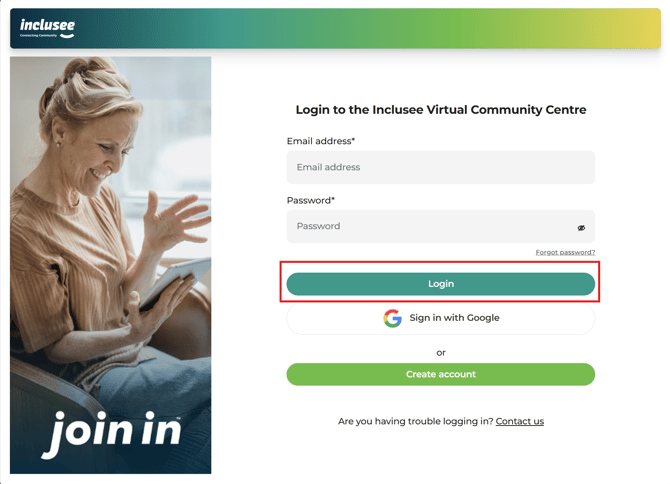
Once your details are entered, click the Login button to continue.
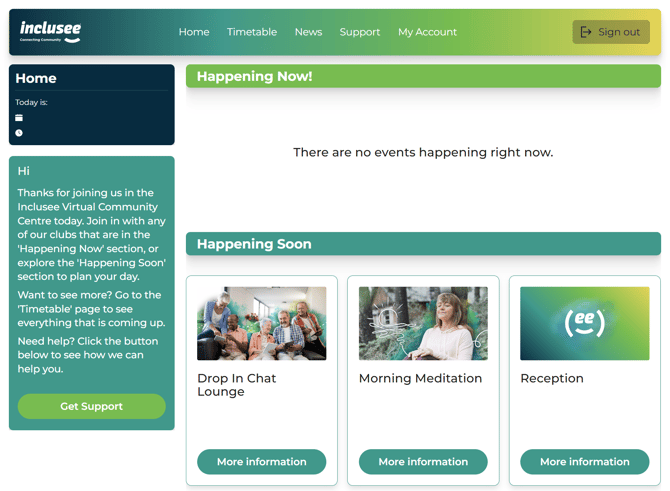
3. Welcome to the Home page!
You have successfully logged in and will be taken to the Home page.
Logging in with your Google account
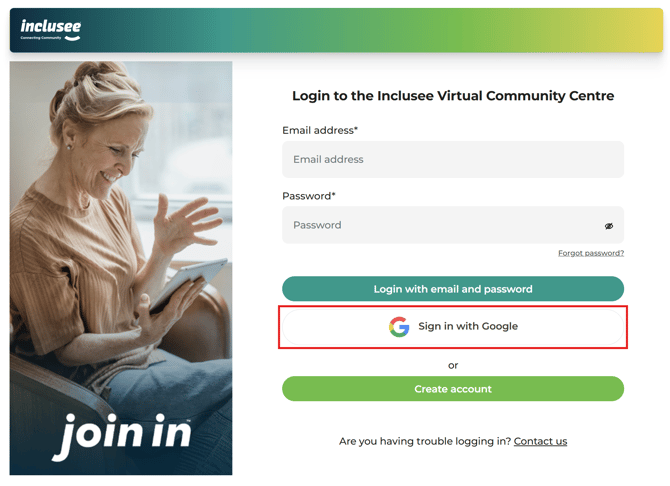
1. Click on the Sign in with Google button.
Click on the Sign in with Google button. You will be taken to the Google account login page.
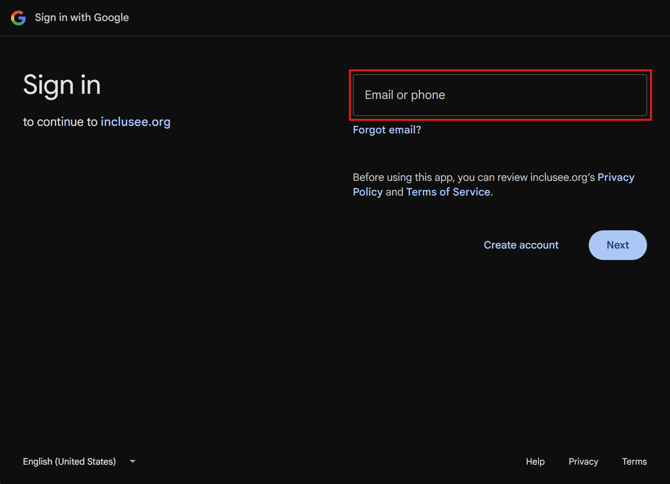
2.✉️ Enter your Google account Gmail address
Type your Gmail address in the Email address field.
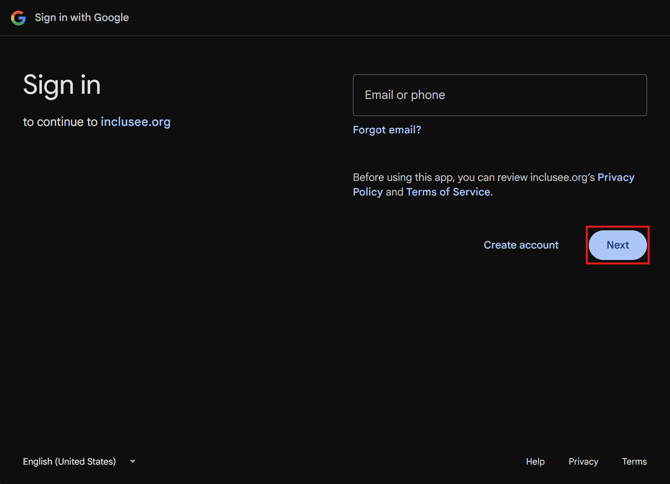
Click on the Next button.
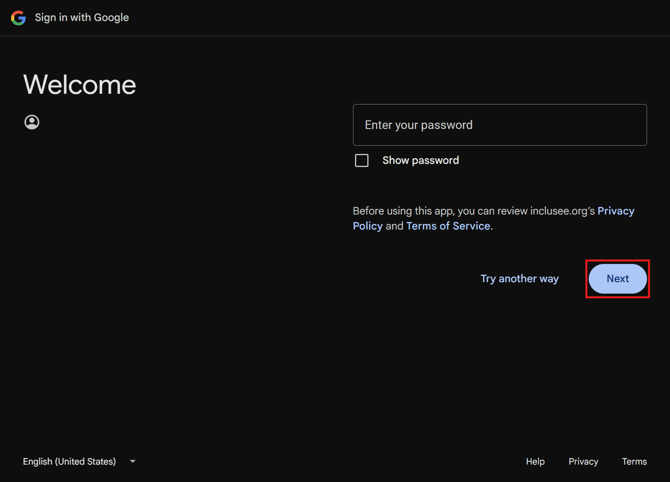
4. Enter your password
Type your password in the password field.
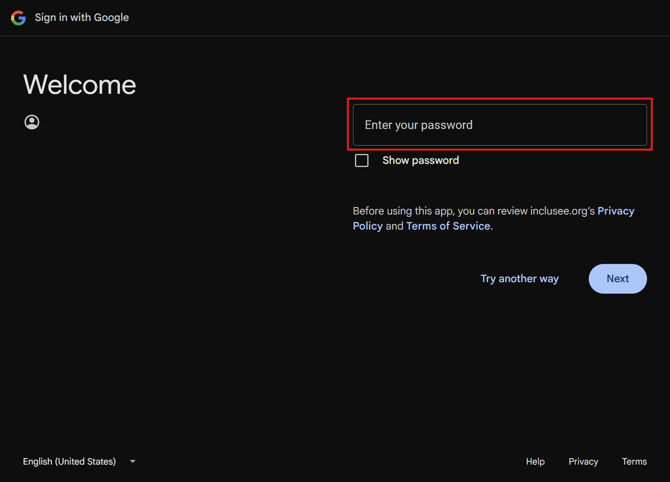
Click on the Next button
5.📱Complete the security check (if asked)
You may be asked to enter a code or confirm your account or device after entering your password. If you see an additional screen after you have entered your password, this is normal, please read and follow the instructions you see on the screen after you have entered your password.
6. Welcome to the Home page!
You have successfully logged in and will be taken to the Home page.