How to find more information about our clubs
Our clubs are a wonderful way to kindle new friendships, explore your interests, and feel part of a vibrant, welcoming community. Follow the steps below to find information about each club and set reminders so you don’t miss a session.
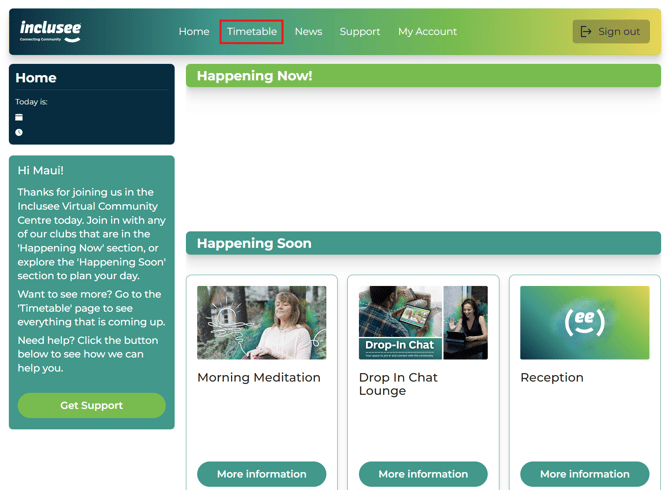
1. Select the Timetable tab
Click on the Timetable tab in the navigation bar at the top of the page.
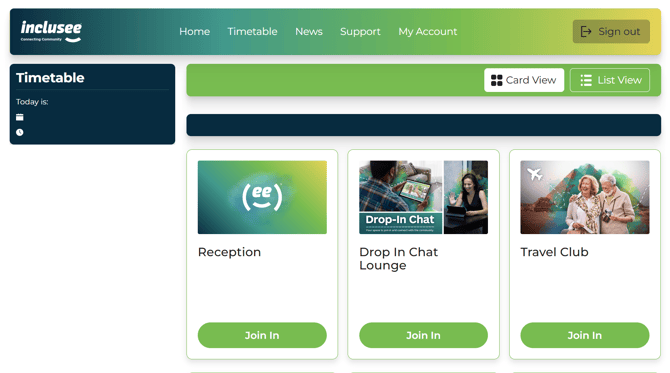
2. Browse the weekly timetable
Browse the weekly timetable to see which clubs are running. You can scroll forward or back to view sessions on different days.

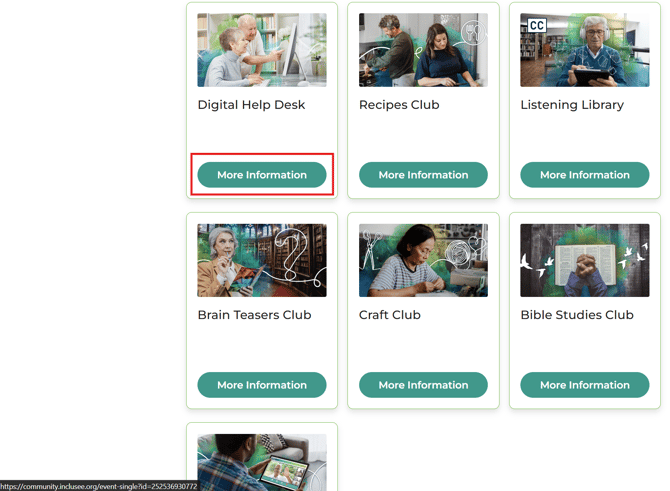
3. Choose a club you’re interested in
When you find a club that looks interesting, select the More Information button.
4. View the club information page
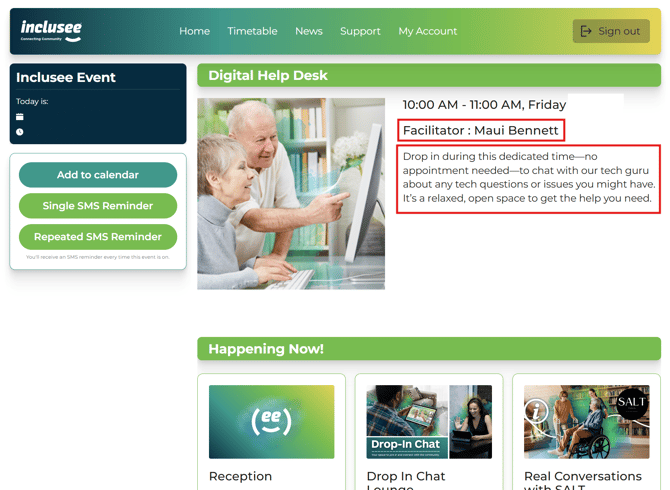
This will take you to the club’s information page, where you can see:
- The name of the club facilitator
- The meeting schedule (days and times)
- The meeting location
- A description of what the club is about
5. Set reminders (optional)
On the club information page, you can:
- Add the club to your Apple, Google, or Outlook calendar
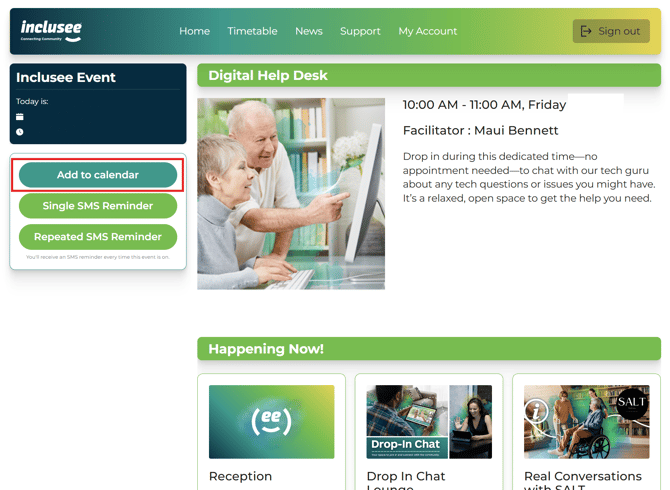
-
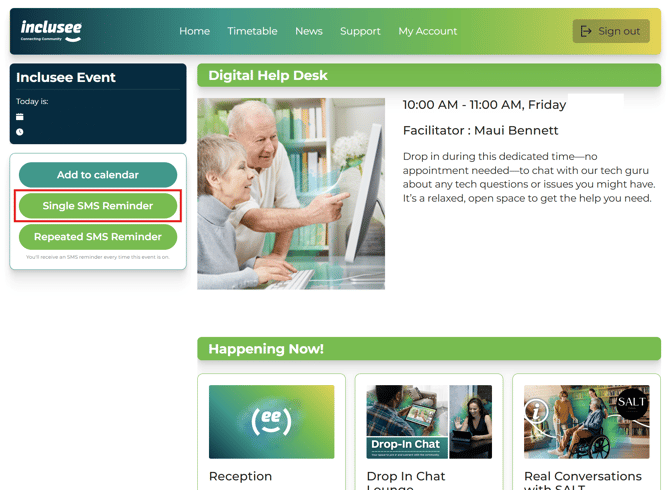
Set a one-off SMS reminder
- Set a repeat SMS reminder
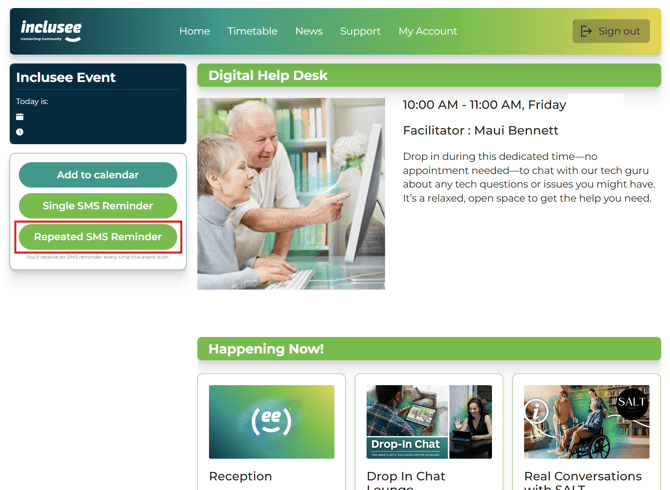
If you choose either SMS reminder option, you'll receive a text message reminder one hour before the club session begins. Note: SMS reminders require a valid mobile number saved to your account.
If you’d like more help with adding a club to your calendar, take a look at our guide: How Do I Add Club Reminders to My Calendar?
And for SMS reminders, you can read our guide:
How Do I Manage My SMS Club Reminders?
How Do I Manage My SMS Club Reminders?
Summary
The Timetable is the best place to explore all of our clubs and learn more about each one. By selecting More Information, you can read about what the club involves, see who is hosting it, and set up calendar or SMS reminders so you don’t miss out.